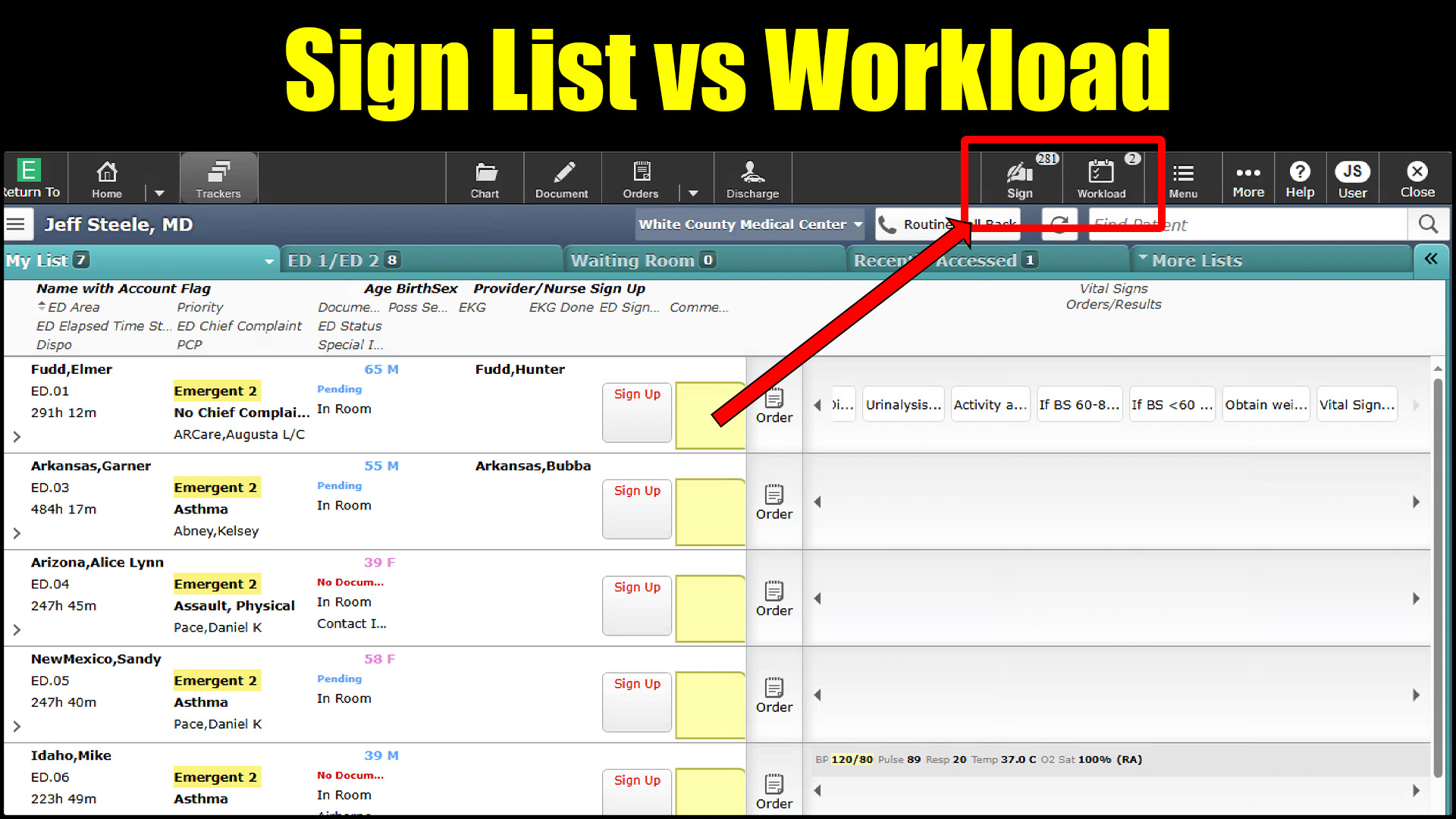
Orders and documents that were not signed will show up in your sign list until they are. This is automatic and is done by the computer in the background. No live person updates your Sign list.
Workload messages, on the other hand, do come from a person at a desk. They are sent to prompt you to complete or sign charts once they have been noticed to be delayed or delinquent. If you have unsigned charts, it is possible that they are in both places.
To that end, signing the chart in question will remove it automatically from your sign list as it is generated by the computer. As soon as it is signed, it falls off the list. That is not the case for communications sent to you as workload messages. Once a coder has messaged you, you must complete the request, then manually mark the workload message as “complete.” There is nothing that automatically notices that you have done what they have asked.
If you find yourself in this situation, the most time efficient way to address these is to complete them via the workload message. Doing that clears them from the workload, which will automatically clear them from the sign list. If you address them from the sign list, you will then have to go through each of them in the workload messages to confirm that they have been done and manually mark them as “complete” thus adding many steps.
Clearly the right answer is to not get behind, but sometimes these things happen. Save yourself some grief by completing your workload requests and then your sign list in that order.
 Searcy EM